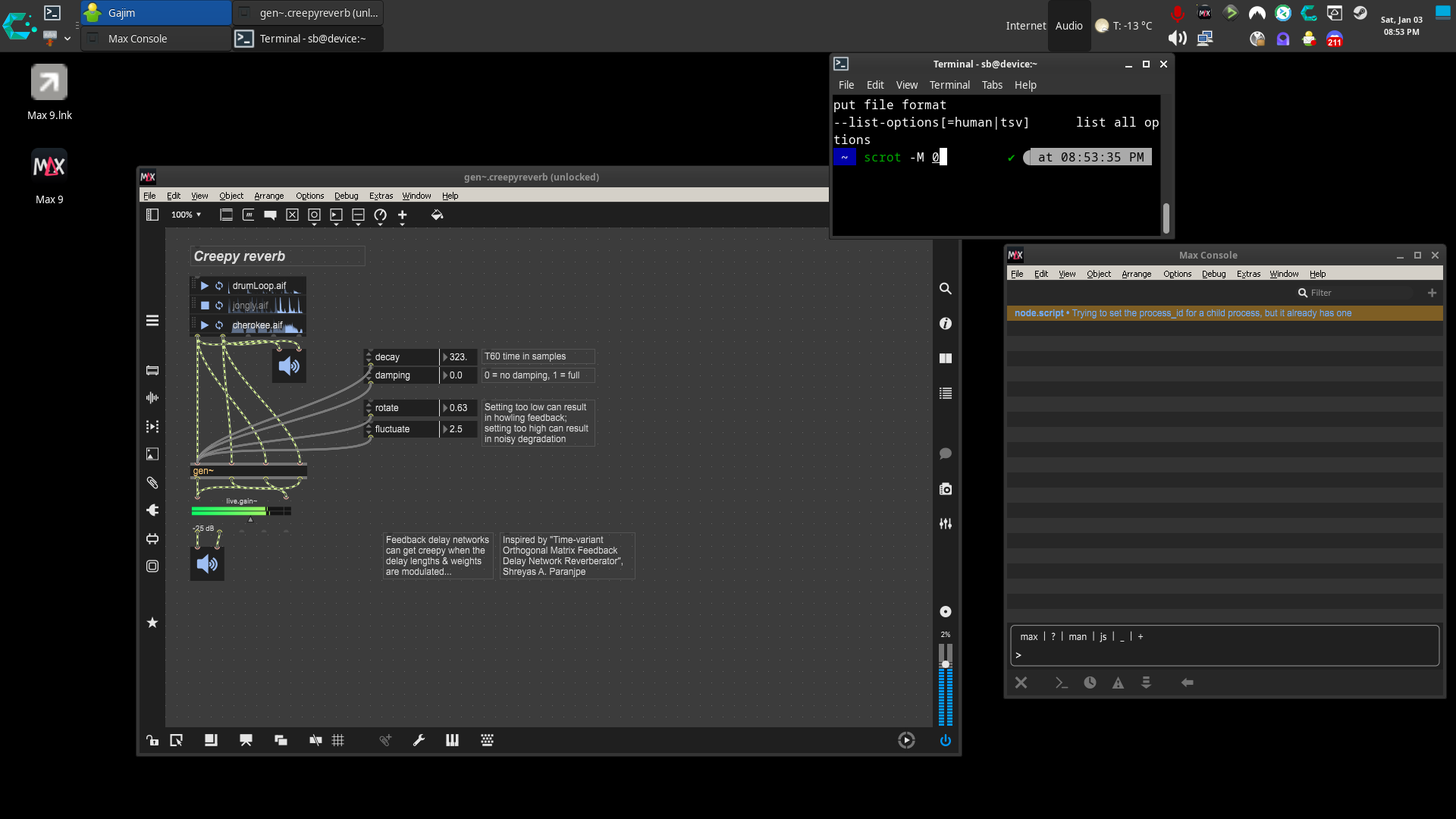
create a clean 64-bit prefix
WINEARCH=win64 WINEPREFIX=/home/sb/Games/max9 wineboot -u


WINEPREFIX=/home/sb/Games/max9 winetricks -q vcrun2022 corefonts gdiplus


WINEPREFIX=/home/sb/Games/max9 winetricks -q dxvk
Install Max:
WINEPREFIX=/home/sb/Games/max9 wine Max912_251211_07b9c4c.msi


Launch Max:


WINEPREFIX=/home/sb/Games/max9 \

__GLX_VENDOR_LIBRARY_NAME=nvidia \

__EGL_VENDOR_LIBRARY_FILENAMES=/usr/share/glvnd/egl_vendor.d/10_nvidia.json \

wine "/home/sb/Games/max9/drive_c/Program Files/Cycling '74/Max 9/Max.exe"
create launcher script:
mkdir -p ~/bin

cat > ~/bin/max9.sh <<'EOF'

#!/usr/bin/env bash

set -euo pipefail


# ---- Paths ----

export WINEPREFIX="/home/sb/Games/max9"

MAX_EXE="C:/Program Files/Cycling '74/Max 9/Max.exe"


# ---- NVIDIA GLVND/EGL selection ----

export __GLX_VENDOR_LIBRARY_NAME="nvidia"

export __EGL_VENDOR_LIBRARY_FILENAMES="/usr/share/glvnd/egl_vendor.d/10_nvidia.json"


# Optional: keep wine output cleaner

# export WINEDEBUG="-all"


# ---- Run ----

exec wine "$MAX_EXE"

EOF


chmod +x ~/bin/max9.sh
create .desktop file:
cat > ~/.local/share/applications/max9.desktop <<'EOF'

[Desktop Entry]

Type=Application

Name=Max 9 (Wine)

Comment=Cycling '74 Max 9 using Wine prefix /home/sb/Games/max9

Exec=/home/sb/bin/max9.sh

Icon=wine

Terminal=false

Categories=AudioVideo;Audio;Development;

StartupNotify=true

EOF


update-desktop-database ~/.local/share/applications >/dev/null 2>&1 || true